![AIM Logo Final White RGB@2x.png]](https://3437204.hs-sites.com/hs-fs/hubfs/AIM%20Logo%20Final%20White%20RGB@2x.png?height=50&name=AIM%20Logo%20Final%20White%20RGB@2x.png)

The Billing Module's attachment tab allows for file attachments to be added to a bill for easy reference.
Adding a Single Attachment
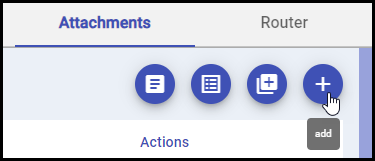
To add an attachment, click the 'Add' button. Edit mode must be enabled to access this button:
Once the Add button is clicked, the Edit Attachment screen will display:
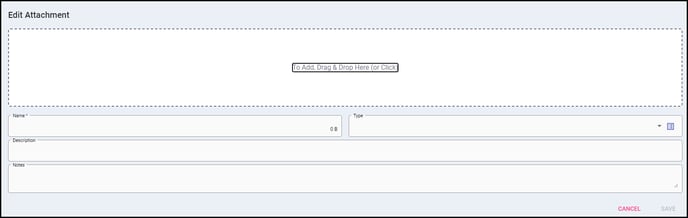
The Edit Attachment screen allows for a single file to be added to the bill with details. This screen contains the drag/drop grid where files can be dragged and dropped to be added to the bill. Users can also just click this grid to find the file locally. Once a file is selected, the Name field below will automatically populate the file name. It is recommended to complete the following fields as needed:
- Name: Appropriately name this attachment. For example, "Physician Certification Statement".
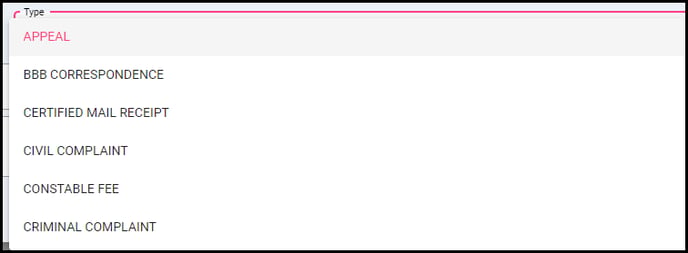 Type: This Quick Pick field allows for user-definable attachment types to be selected.
 - Description: Add a description here, if needed, to show that description on the Attachment Tab. This is useful if you'd like to display information to anyone who may need to download this attachment later.
 Notes: Notes can also be added, but unlike descriptions, the user must click the Notes icon to read them.
Adding Multiple Attachments
Users can also add multiple attachments by using the 'Add Multiple' button
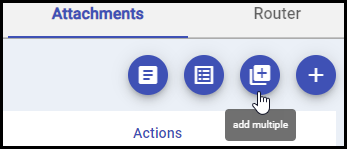
When adding multiple attachments, simply select multiple files and drag/drop them in, or click the grid to select multiple files in the browser by using Ctrl + Clicking those files as shown below.
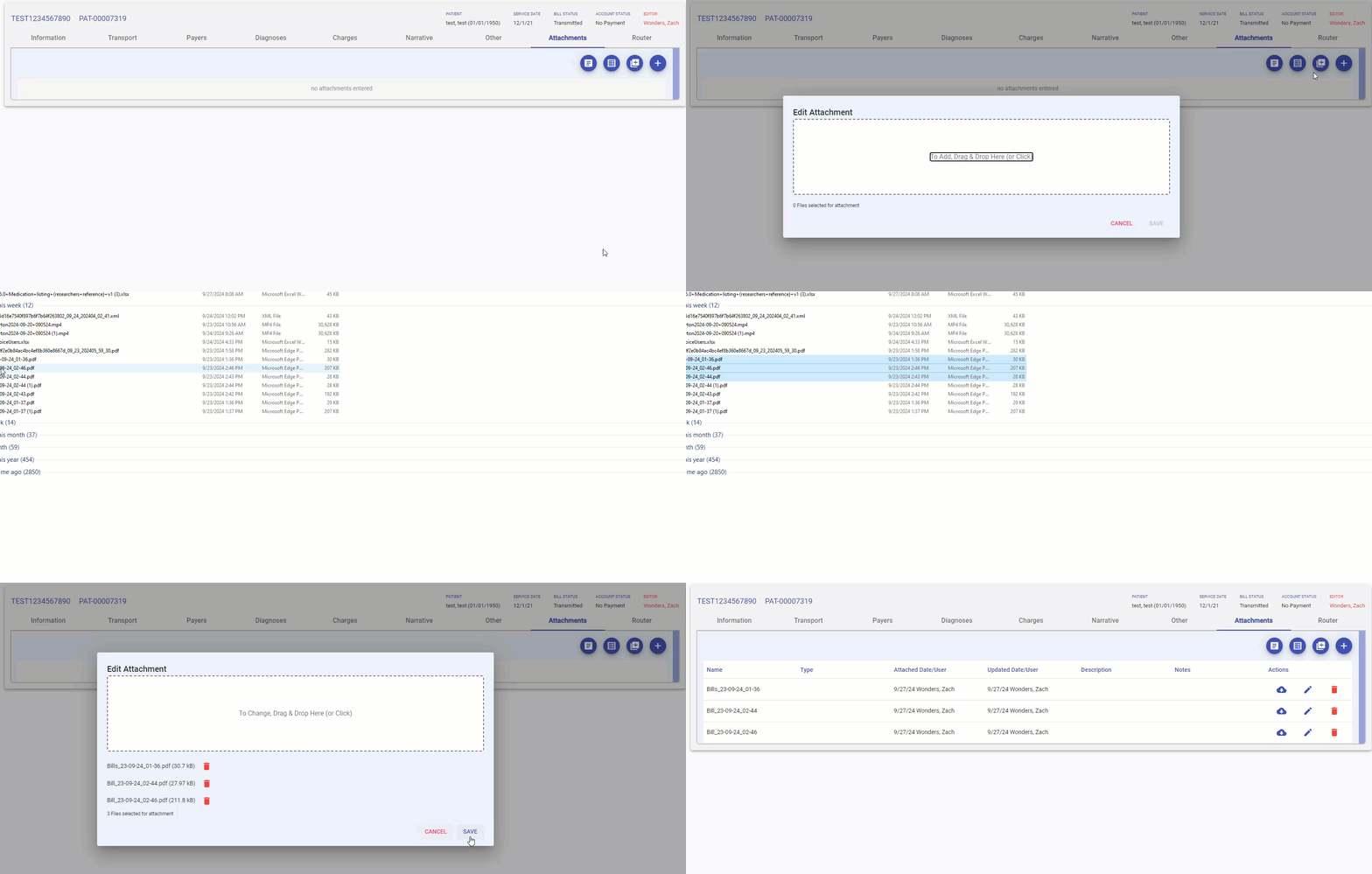
When adding multiple files like this, the 'Name' for each attached file will automatically become the file name. Descriptions and Notes can be added after the files have been attached if needed.
Using the Manage File Attachments Utility

Using the Manage File Attachments Utility is a quick and easy way to add attached files to multiple bills. If any files associated with a patient (such as a Prior Authorization for example) need to be attached to multiple bills, those files can be added to the Manage File Attachments Utility.
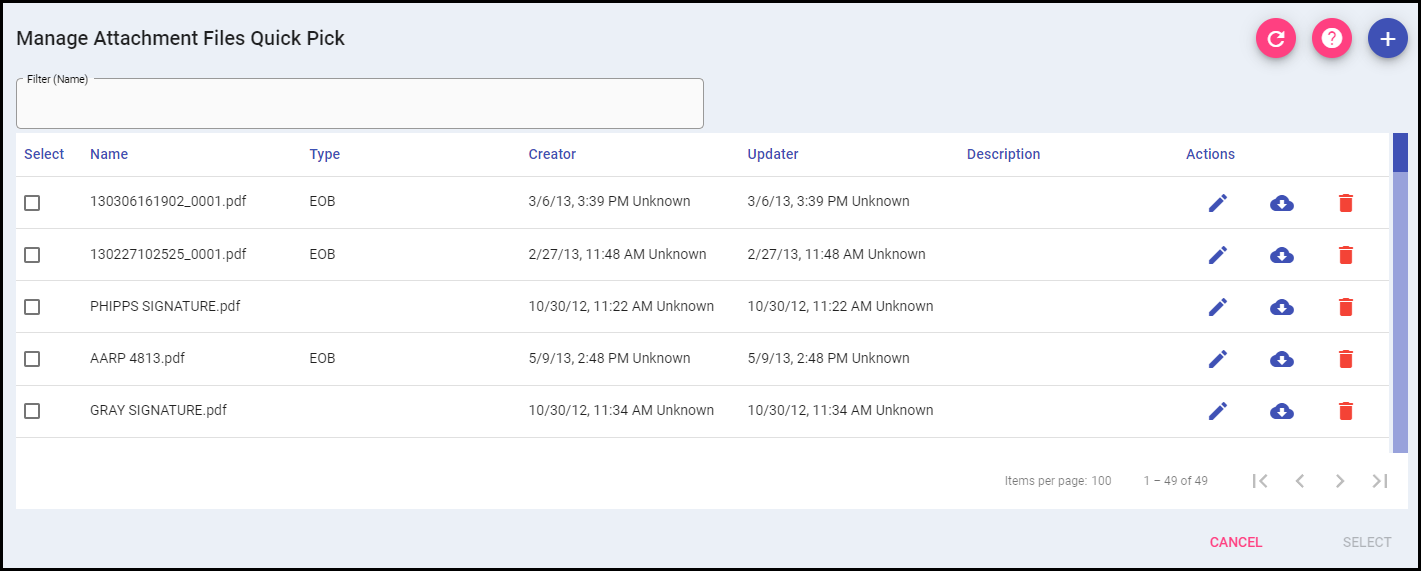
Users using this utility can find and select any attachments from this grid to add to bills, making it the easiest way to add relevant attachment data across multiple bills for a patient. Inside the Manage File Attachments utility, users can add descriptions/notes ahead of time so that the information is already entered once the file is attached.
Other Attachments
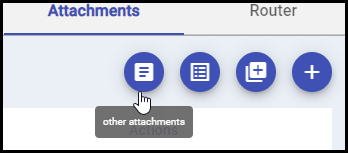
If you were using the previous version of AIM Billing, when viewing historical bills that were entered and billed within the older versions of the software, any files that were attached to those bills will be inside the 'Other Attachments' button.