![AIM Logo Final White RGB@2x.png]](https://3437204.hs-sites.com/hs-fs/hubfs/AIM%20Logo%20Final%20White%20RGB@2x.png?height=50&name=AIM%20Logo%20Final%20White%20RGB@2x.png)
Codes that are billed on a regular basis, help to reduce lookups and ensure valid codes are being used.
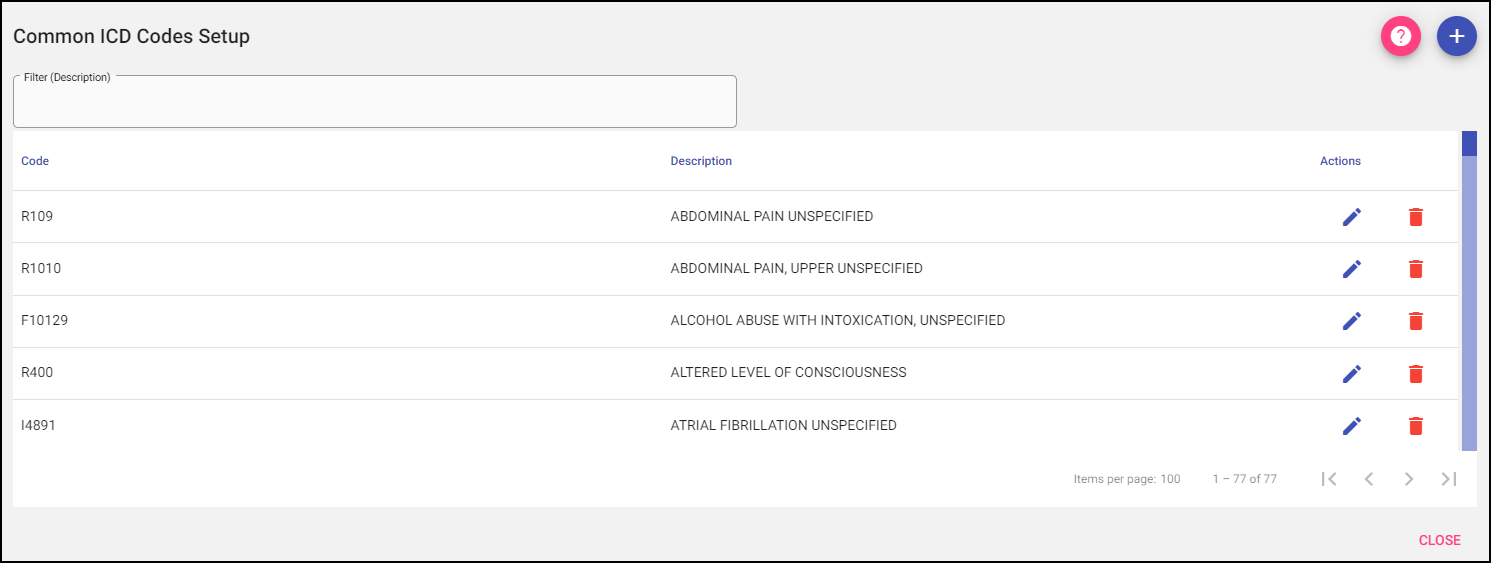
The Common ICD Codes entered in this setup will be available for selection during data entry on the Diagnoses Tab.
Descriptions can be shortened for reference purposes, but make sure to fully describe the code.
Add: A new value can be added to the list using the plus button on the top right.
When Add is selected, it opens the data entry for adding a new value to the Common ICD Codes Quick Pick. Once the new Code and Description are entered, select Save to add the value to the list or Save & Add to add the value to the list and continue adding more.
Selecting Cancel will take the user back to the Common ICD Codes Setup without adding a new value.

Filter: To narrow the results of a list, begin typing the description you are searching for.

Actions: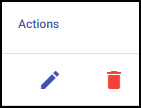
Edit: If changes need to be made to an entry, use the edit button.
Delete: Remove an existing entry.