![AIM Logo Final White RGB@2x.png]](https://3437204.hs-sites.com/hs-fs/hubfs/AIM%20Logo%20Final%20White%20RGB@2x.png?height=50&name=AIM%20Logo%20Final%20White%20RGB@2x.png)
This process removes the Temporary Accounts created in Data Transfer/Import processes that were duplicated with multiple processing of the same import file (but were not removed as normal).
While these Temporary Accounts should not affect normal activity in the program, regular maintenance should include the removal of that unnecessary data.
Select the Utilities icon on the top right of the menu bar.

Within the Data Maintenance window, select the option: Remove Duplicate Accounts.
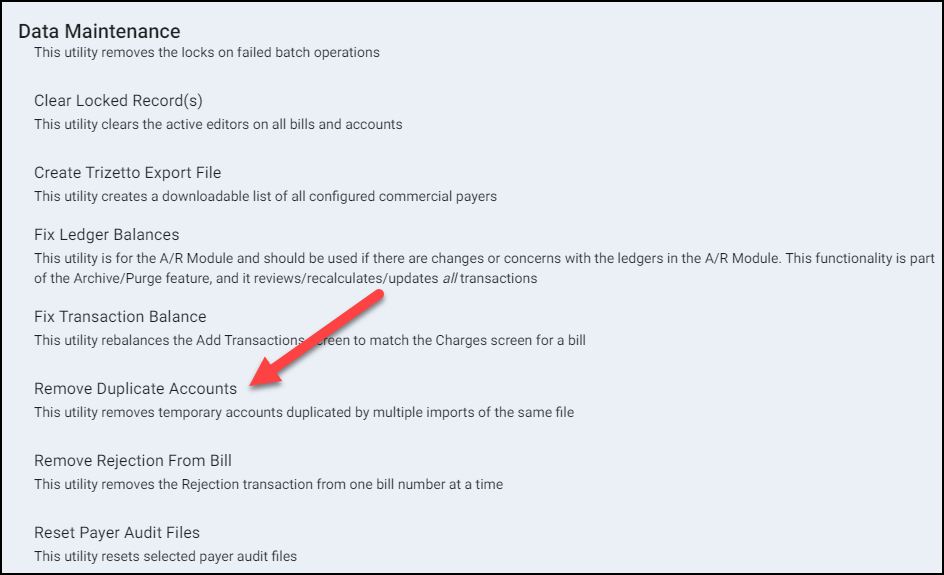
Enter all requested information to remove the duplicate Accounts.

- Select the Agency (if applicable).
- Click Run.
- A prompt confirms duplicate accounts was successful.