![AIM Logo Final White RGB@2x.png]](https://3437204.hs-sites.com/hs-fs/hubfs/AIM%20Logo%20Final%20White%20RGB@2x.png?height=50&name=AIM%20Logo%20Final%20White%20RGB@2x.png)
What are Standard Operating Procedures?
Standard Operating Procedures (SOPs) are text-based reference documents that store important company-specific information such as processes, policies, notes, insurance details, or contact information. These references help users quickly access the information they need while working in the software.
Using Standard Operating Procedures
Once SOPs have been set up, users can access them from three locations:
- Accounts Module
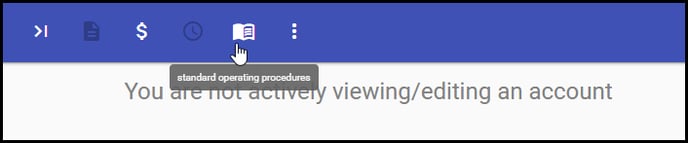 (SOPs for the Accounts/Sub Module are created in Accounts Setup's Standard Operating Procedures Setup)
 - Billing Module

(SOPs for the Billing Module are created in Billing Setup's Standard Operating Procedures Setup) - A/R Module
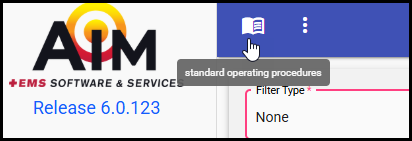
(SOPs for the A/R Module are created in the Standard Operating Procedures screen in the A/R Module)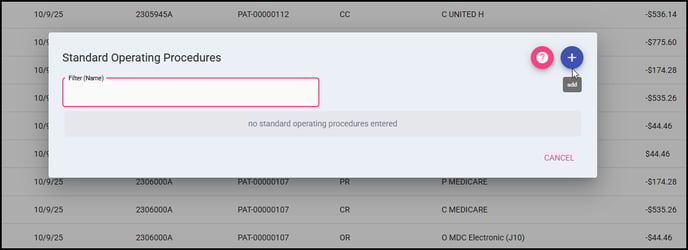
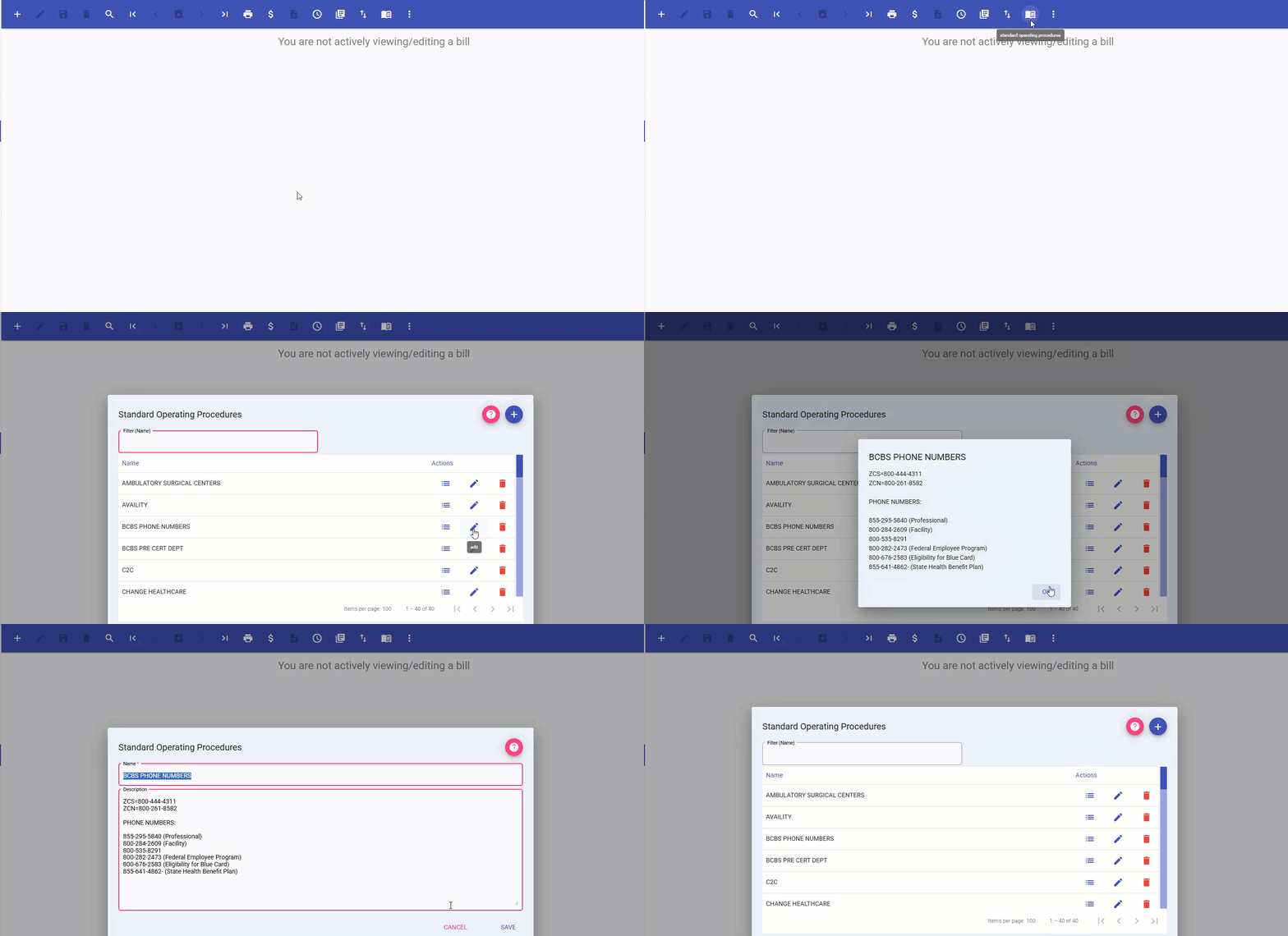
To view SOPs:
Simply click the Standard Operating Procedures icon on the menu bar in any of these modules. All relevant SOPs for that module will be displayed for easy reference.