![AIM Logo Final White RGB@2x.png]](https://3437204.hs-sites.com/hs-fs/hubfs/AIM%20Logo%20Final%20White%20RGB@2x.png?height=50&name=AIM%20Logo%20Final%20White%20RGB@2x.png)
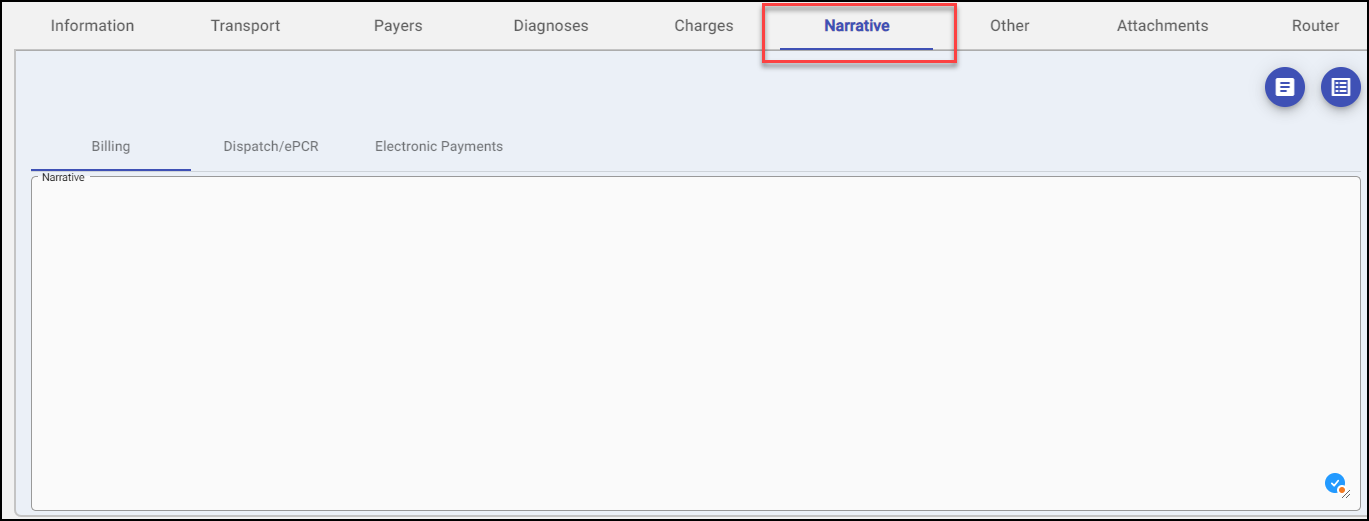
The Narrative presents the story of the bill by storing info provided from the Crew, organizing data, and tracking activity and ongoing attempts to receive payment from various payers. This area is meant to be used as reference for any user of the program. Data is saved when the bill number itself is saved.
The current tab name is bold and underlined, while the other tab names are in a lighter color.
Dispatch/ePCR Narrative button works specifically with the AIM Dispatch/ePCR program. If a valid narrative exists, it can be viewed by selecting the option.
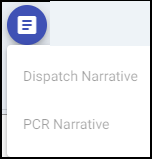
Narrative Template Quick Pick list created templates for faster entry and helps keep the area consistent. See Billing Setup, Narrative Templates for instructions on adding template options.

The Narrative tab is broken into sections: Narrative (if Enable Narrative Appending is selected), Billing, Dispatch/ePCR and Electronic Payments.
The Narrative section is a free-form field and should be updated with any activity, notes, follow-up activity or references on the bill to allow for a full history.
A date/time stamp can be entered using the Shift+Enter keys.
The box can be expanded or collapsed by dragging the bottom right corner up or down.
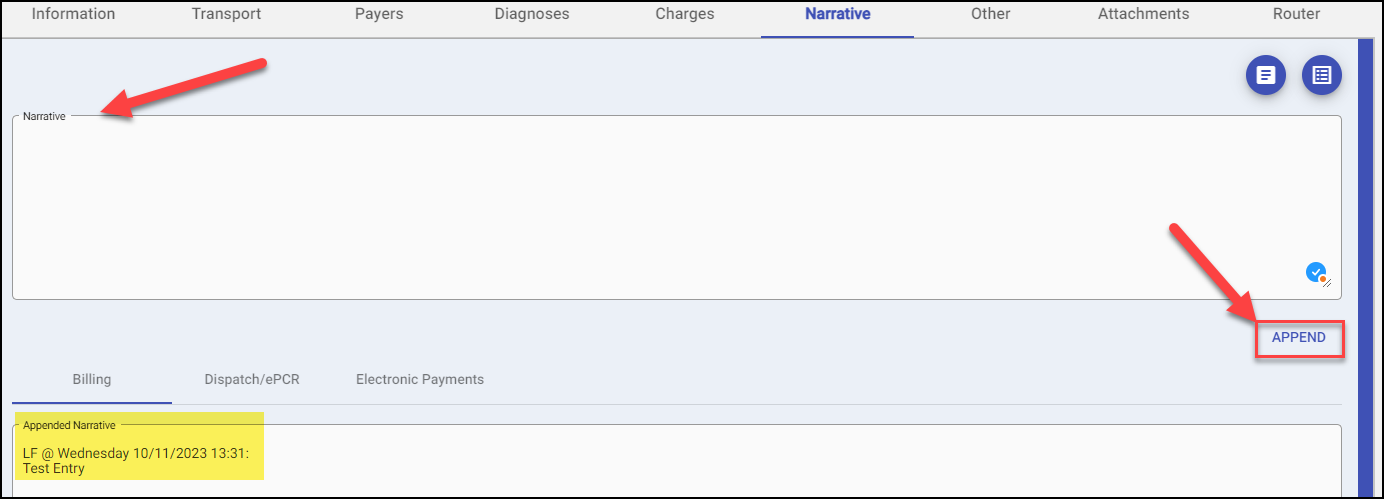
If the Enable Narrative Appending option is checked in the General Setup, Configuration Settings. If the top portion of the Narrative shows as below, the Append Button must be clicked to add entered data to the Billing section.
Any data entered in the Narrative section will be moved to the Billing section. The data will be locked and cannot be edited or removed by normal User Privileges. The entry will automatically be date/time stamped with the user's initials.
Dispatch/ePCR section will contain any information brought over/posted from Dispatch/ePCR programs (i.e. Chief Complaint, History of Present Illness, etc.). Information in this section is read only and can not be edited.
Electronic Payments section will contain any information from postings done via the Process Reconciliation feature. Information in this section is read only and can not be edited.